atompy.Hist2d.get_profile_along_x#
- Hist2d.get_profile_along_x(option='')[source]#
Get the x-profile.
Calculate the mean value and its error per column. Which type of error is controled with option.
- Parameters:
- option
"","s","i", or"g", default"" Control type of errors, see Notes.
option == "": Error of the mean of all Y valuesoption == "s": Standard deviation of all Yoption == "i": See Notesoption == "g": Error of a weighted mean for combining measurements with variances of \(w\).
- option
- Returns:
Notes
See TProfile of the ROOT Data Analysis Framework.
For a histogram \(X\) vs \(Y\), the following is calculated for each \(X\) value.
\[\begin{split}\begin{align} H(j) &= \sum w Y \\ E(j) &= \sum w Y^2 \\ W(j) &= \sum w \\ h(j) &= H(j) / W(j) \\ s(j) &= \sqrt{E(j) / W(j) - h(j)^2} \\ e(j) &= s(j) / \sqrt{W(j)} \end{align}\end{split}\]Here, \(w\) are the counts of bin j.
Examples
import numpy as np
import atompy as ap
import matplotlib.pyplot as plt

# get some random data
gen = np.random.default_rng(42)
x_sample = gen.uniform(-1, 1, size=100_000)
y_sample = gen.normal(size=100_000)

# create a histogram
hist = ap.Hist2d(*np.histogram2d(x_sample, y_sample,
                 bins=(10, 100), range=((-1, 1), (-5, 5))))
mean, mean_errors = hist.get_profile_along_x()
_, standard_deviation = hist.get_profile_along_x("s")

# configure plots
plt.rcParams["image.cmap"] = "atom"  # works only if atompy is imported
plt.rcParams["image.interpolation"] = "none"
plt.rcParams["image.aspect"] = "auto"

_, axs = plt.subplots(1, 2)

for ax in axs.flat:
    ax.imshow(**hist.for_imshow())
    ax.set_box_aspect(1.0)

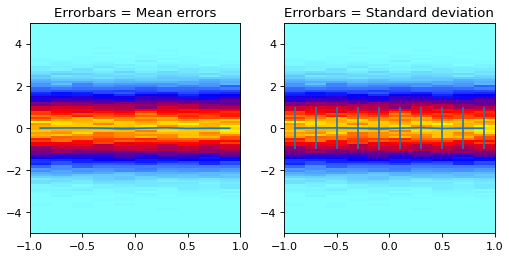
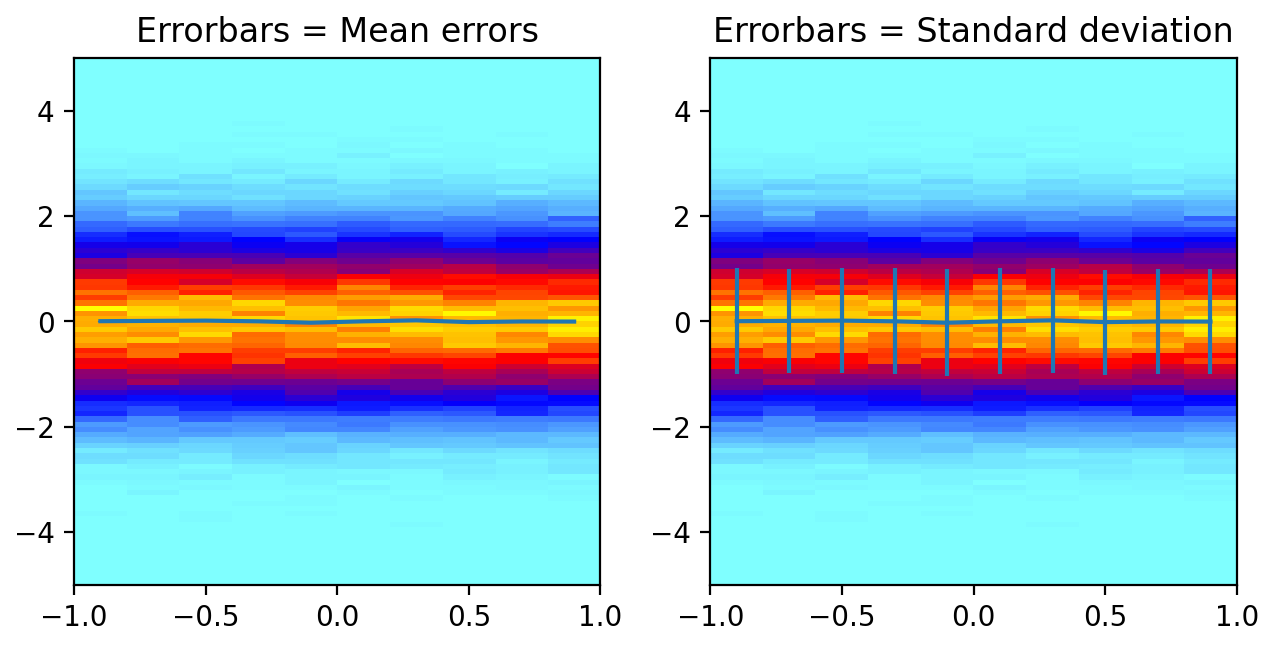
axs[0].errorbar(hist.xcenters, mean, yerr=mean_errors)
axs[0].set_title("Errorbars = Mean errors")

axs[1].errorbar(hist.xcenters, mean, yerr=standard_deviation)
axs[1].set_title("Errorbars = Standard deviation")

ap.make_me_nice()
(
Source code,png,hires.png,pdf)