rebin#
- Hist1d.rebin(factor)[source]#
Rebin histogram.
- Parameters:
- factor
int This is how many old bins will be combined to a new bin. Number of old bins divided by factor must be an integer.
Note
Use
get_all_dividers()to find all possible rebin factors.
- factor
- Returns:
- new_histogram
Hist1d The new, rebinned histogram
- new_histogram
Examples
import matplotlib.pyplot as plt
import numpy as np

import atompy as ap

plt.style.use("atom")

# create some histogram
bin_centers = np.linspace(-2, 2, 45)
hist = ap.Hist1d.from_centers(ap.gauss(bin_centers), bin_centers)

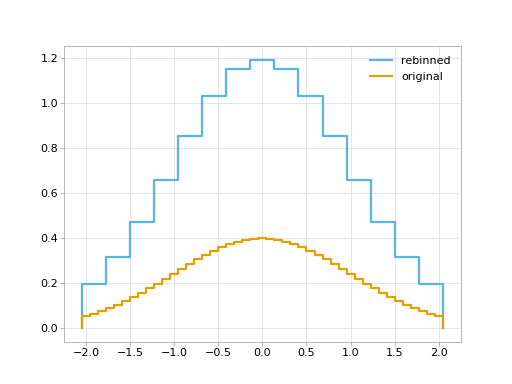
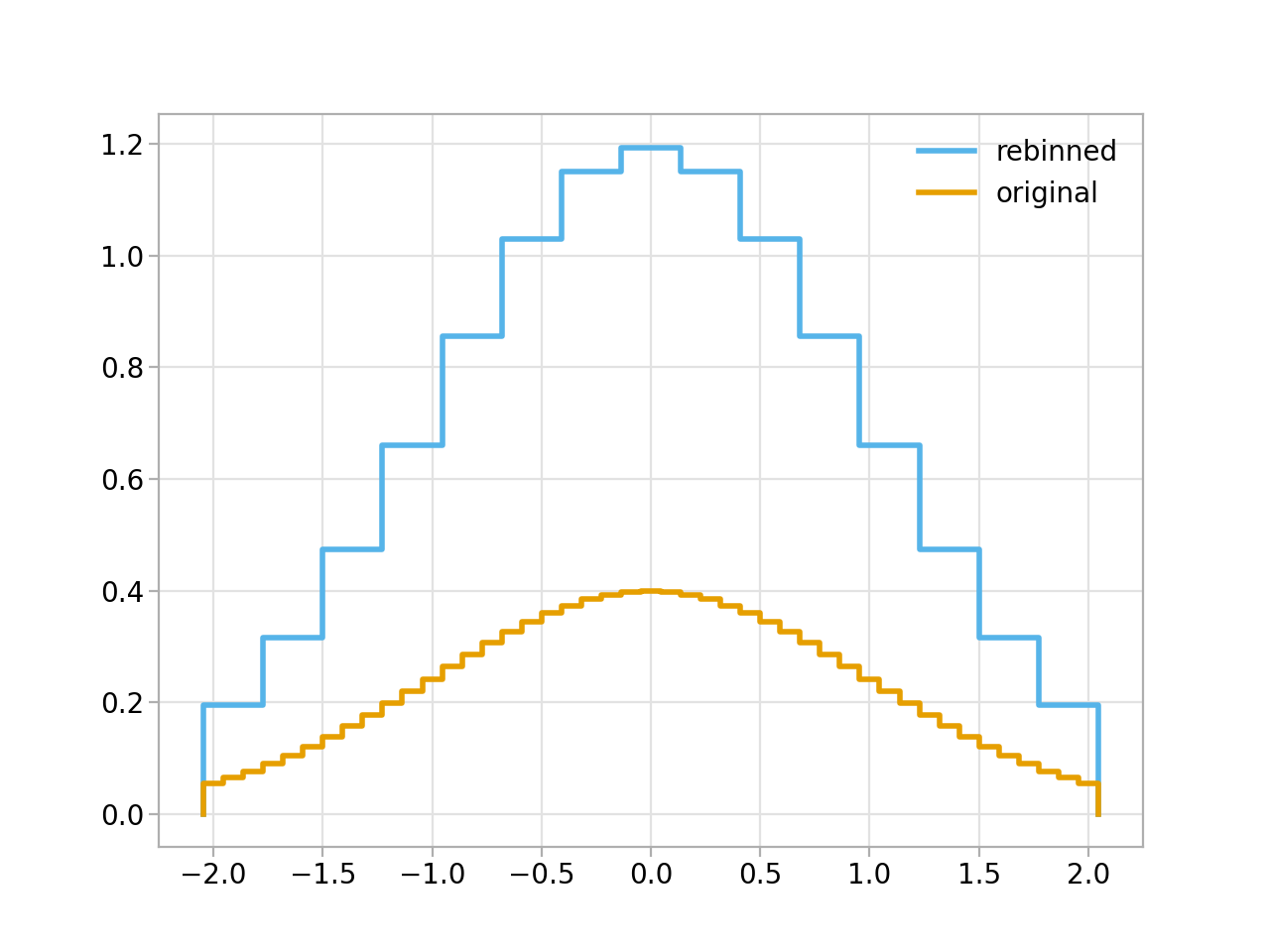
_, ax = hist.rebin(3).plot_step(label="rebinned")
hist.plot_step(ax=ax, label="original")

plt.legend()
(
Source code,png,hires.png,pdf)