atompy.dash_dotted#
- atompy.dash_dotted(ratio=3.0, n_dashes=3, linewidth=None, fontsize=None, legend_handlelength=None, **aliases)[source]#
Return a tuple to create a dash-dotted line that fits perfectly into a legend. For that to work properly you may need to provide the linewidth of the graph and the fontsize of the legend.
- Parameters:
- ratio
float, default: 3.0 Ratio between dash-length and gap-length
- n_dashes
int, default: 3 Number of dashes drawn
- linewidth (or lw)
float, optional, default:rcParams["lines.linewidth"] - fontsize
floatorstr, Optional, default:rcParams["legend.fontsize"] The fontsize used in the legend
float: fontsize in pts
str:
"xx-small","x-small","small","medium","large","x-large","xx-large","larger", or"smaller"
- legend_handlelength (or ‘lh’)
float, defaultrcParams["legend.handlelength"] Length of the legend handles (the dotted line, in this case) in font units
- ratio
- Returns:
Examples
import matplotlib.pyplot as plt
import atompy as ap

_, (ax0, ax1) = plt.subplots(1, 2)

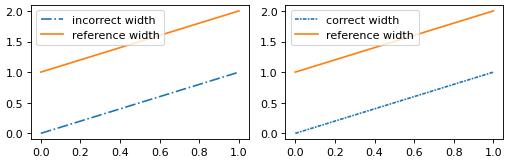
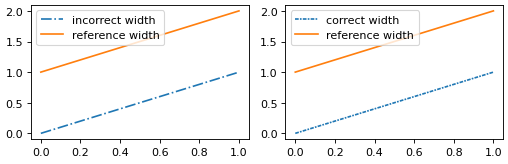
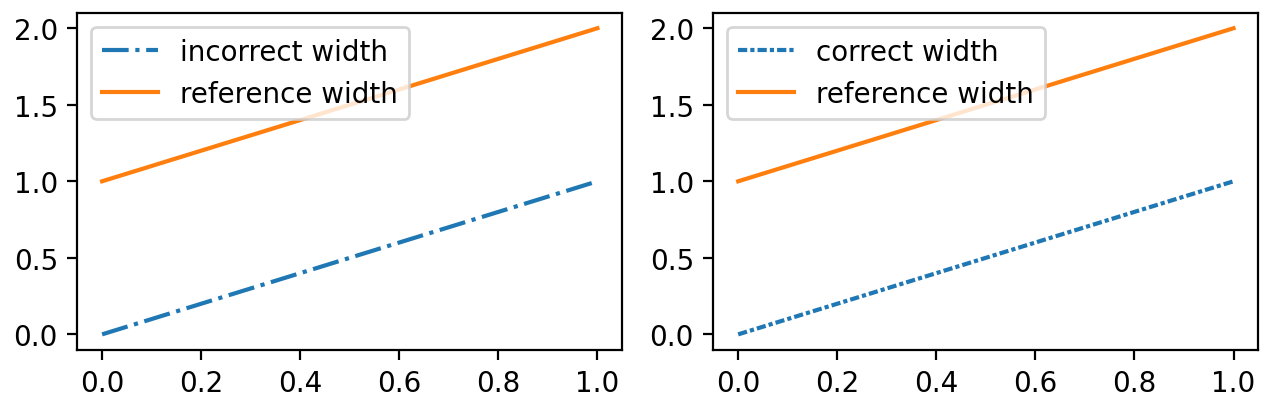
ax0.plot([0, 1], ls="dashdot", label="incorrect width")
ax0.plot([1, 2], ls="-", label="reference width")
ax1.plot([0, 1], ls=ap.dash_dotted(), label="correct width")
ax1.plot([1, 2], ls="-", label="reference width")

for ax in (ax0, ax1):
    ax.set_box_aspect(1./1.618)
    ax.legend()

ap.make_me_nice()
(
Source code,png,hires.png,pdf)